
- what is a POS machine
- POS machine meaning
- what is POS software
- what is POS system
POS machine meaning / beginner guide
What is a POS machine?
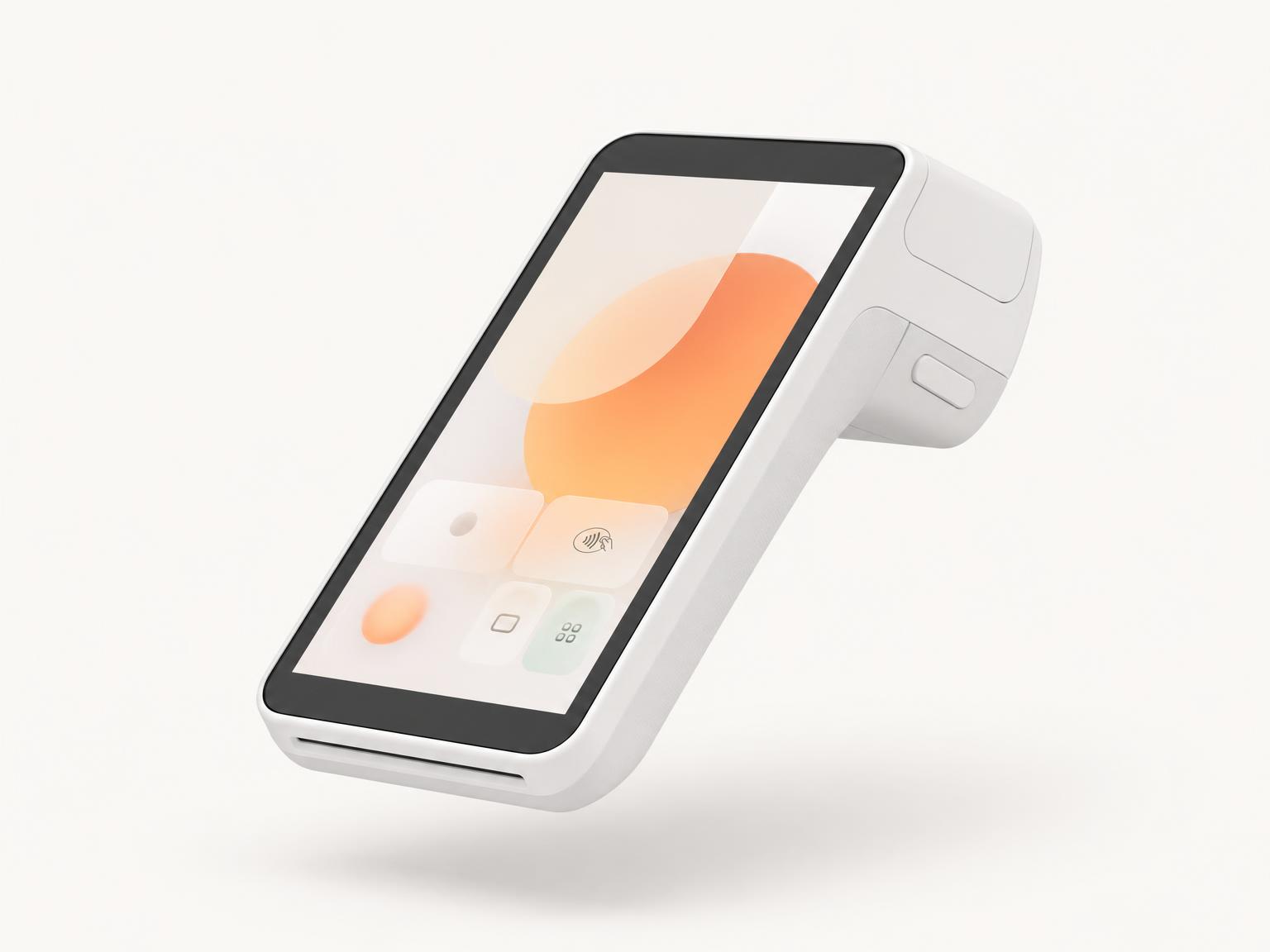
A POS machine is the point where a business records a sale and, often, accepts payment. In modern deployments, the machine is only one part of the system. The real POS includes the terminal, the software, the receipt workflow, the payment connection, and the dashboard behind it.
Explore custom POS softwareSee how a POS machine becomes a full software platform.
Search intent covered
Built around the phrases buyers actually search.
- POS vs cash register
- POS vs payment gateway
- POS vs ERP
- POS terminal meaning
- POS machine in Ethiopia
- POS software Ethiopia
- QR payment POS
- smart POS terminal
01 / Simple definition
POS means point of sale.
The point of sale is where a transaction is captured. In a small shop, that might be a phone or terminal. In a larger business, it may include multiple branches, inventory, staff roles, reports, payment providers, and digital receipts.
- The hardware can be a smart POS terminal, tablet, phone, desktop, or dedicated payment device.
- The software records items, prices, discounts, taxes, receipts, payment status, and user actions.
- The payment layer may connect to cards, wallets, QR payments, bank rails, mobile money, or cash workflows.
- The back office reviews sales, branches, inventory, reconciliation, customers, and performance.
02 / Modern POS
A good POS system is a business operating system.
For growing businesses, POS is not just checkout. It becomes the shared source of truth for daily sales, stock movement, payment status, branch activity, and financial reporting.
- Retailers use POS to track products, stock, taxes, receipts, customers, and payments.
- Restaurants use POS to manage menus, tables, orders, staff, kitchens, and receipts.
- Pharmacies may need batch, expiry, prescription, and compliance-aware workflows.
- Payment and merchant networks need onboarding, terminals, settlements, monitoring, support, and controls.
03 / Ethiopia context
In Ethiopia, POS increasingly connects payments and fiscal records.
Businesses adopting POS software in Ethiopia should think about local payment providers, mobile money, QR payments, VAT, withholding, digital receipts, e-invoicing readiness, and the operating model behind the terminals.
- A useful POS should match the business sector instead of forcing every merchant into one generic workflow.
- Payment integrations should be designed around the licensed provider relationships the business actually has.
- Receipt and invoice workflows should prepare for official e-invoicing and fiscal record requirements.
- The best systems make daily operations easier while leaving a clear audit trail for finance teams.
Frequently asked
Answers searchers can use.
Is a POS machine the same as POS software?
No. The POS machine is the hardware. POS software is the application and business logic running on or around that hardware.
Can a POS machine work without the internet?
Some POS systems support offline workflows, but payment authorization and e-invoicing may require connectivity or later reconciliation depending on the provider and regulation.
What should Ethiopian businesses look for in a POS system?
Look for local payment integration planning, VAT and receipt support, clear reporting, branch controls, user permissions, and the ability to grow beyond one device.